8 Social Media Schedulers for Claude, ChatGPT and AI Agents

Updated · 11 min read
On this page
TL;DR
- SchedPilot: best overall for Claude, ChatGPT and agents, with an approval calendar before anything posts.
- Postiz: best if you want to self-host the whole stack.
- Ayrshare: best for engineering teams posting at high volume.
- Hootsuite: best if your company already pays for it.
- Planable: best for agencies where clients sign off on every post.
- Buffer: cheapest way to let Claude post to your own channels.
- Zapier Agents: a stopgap if your scheduler has no MCP server.
- Typefully: best for X and LinkedIn writers who script threads.
Yes, you can schedule social media posts from ChatGPT or Claude, but only through a scheduler that exposes an MCP server or an API the assistant can call. My pick is SchedPilot, which I build: it has a hosted MCP server, a REST API, and it holds every agent-written post in a calendar until a person approves it. If your team already pays for Hootsuite, Planable or Buffer, connect theirs first, because all three now ship MCP servers.
People mean two different things by “AI social media tool.” One is a scheduler with a caption generator inside it. The other is a scheduler that an agent can operate: read your accounts, write a draft, upload media, schedule, then check how it did. Only the second kind lets you type “plan my week” into Claude and close the tab.
This list covers the second kind. I ranked them on what the agent can actually do, whether a human can stop a bad post, and how much setup it takes.
AI agent schedulers compared
| Tool | How the agent connects | Approval before posting | Agent can read analytics | Best for |
|---|---|---|---|---|
| SchedPilot | Hosted MCP server, REST API, CLI | Yes, approval calendar | Yes | Agents posting with a safety net |
| Postiz | MCP server inside the backend, public API | Not by default | No | Self-hosting |
| Ayrshare | Hosted MCP server (27 tools), REST API | No | Yes | Engineering teams |
| Hootsuite | Four MCP servers, one per product | Uses your workspace rules | Yes, through Perch | Large teams already on it |
| Planable | MCP server, ChatGPT app, Claude connector | Yes, your normal approval flow | With the analytics add-on | Client sign-off |
| Buffer | MCP server with an API key | Not enforced | Yes | Your own channels on a budget |
| Zapier Agents | Zapier actions of other schedulers | Depends on the scheduler | Mostly no | Stopgap |
| Typefully | API on higher plans, no MCP server | No | No | X threads |
1. SchedPilot

SchedPilot is a social media scheduler built for agents first. Claude, ChatGPT, Cursor, Hermes and OpenClaw connect through its hosted MCP server, and Manus and n8n use the same features through the REST API. Connecting a local client like Claude Code is one npx command.
Best for: solo founders, small agencies and anyone who wants an agent posting daily without checking every post at 2 am.
The server exposes six tools: get_accounts, list_posts, create_post, upload_media, delete_post and get_analytics. That last one matters more than it looks. An agent that can read last week’s engagement can plan next week around it, which is where the real time savings come from. X threads work through a replies parameter, so “turn this blog post into a thread” is one call.
The approval calendar is why I’d trust it on a client account. A solo founder I know has Claude draft five posts every Sunday from the week’s changelog. She approves them Monday morning in about four minutes. Nothing goes live until she clicks.
It covers ten networks: X, LinkedIn, Instagram, TikTok, Threads, Facebook, Pinterest, Bluesky, YouTube and Reddit. There’s also a CLI, custom n8n nodes and OAuth2 for developers building their own agents on top. Plans run from $29 to $99 a month, and there’s a 7-day trial.
Biggest downside: it’s a small team. You get fast answers from the people who wrote the code, but enterprise checkboxes like SSO aren’t there yet.
Verdict: the one I’d set up first if the goal is “agent drafts, human approves, agent learns from the numbers.”
2. Postiz
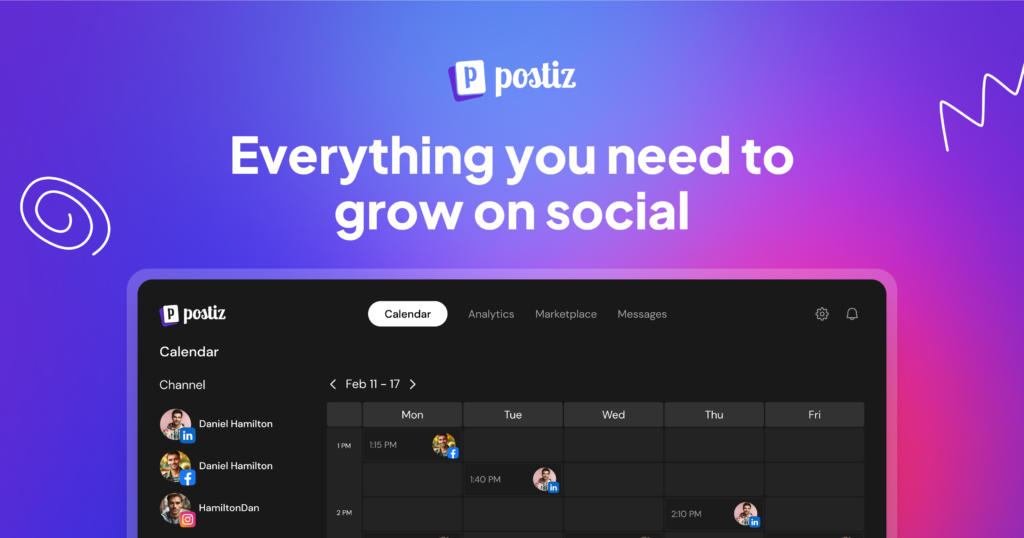
Postiz is open source and self-hostable, with an MCP server and a public API. The MCP server runs inside the Postiz backend, so once your instance is up, the agent endpoint already exists. There’s also a hosted version if you’d rather not run servers.
Best for: developers who want to own the stack and keep tokens on their own machines.
The price is right (free if you host it), and nothing leaves your infrastructure. Two gaps, though. There’s no approval gate by default, so build one before you point an agent at a client account. And the current tools write posts and media but don’t read analytics back, so the “check results” half of the loop is missing.
Verdict: great for builders who’ll add their own review step. Not what I’d hand a marketing manager.
3. Ayrshare
Ayrshare is an API-first platform that added an MCP server on top. The hosted server has 27 tools covering publishing, analytics, comments and DMs, which is the widest coverage on this list. Every call goes through the same rate limits and quotas as the REST API. There’s also an official Claude Code plugin.
Best for: engineering teams running high-volume programmatic posting. If that’s you, my roundup of social media scheduling APIs for developers goes deeper on Ayrshare’s per-profile model.
The downside is two-fold. Pricing is per profile, and client profiles need the Business plan, which is a big jump. And there’s no human-in-the-loop step at all, so a bad draft goes straight out.
Verdict: capable, but built for people who live in a terminal, not for someone who wants to chat with their content calendar.
4. Hootsuite

Hootsuite used to be my example of a tool you couldn’t connect to Claude without a sales call. That changed. It now runs a hosted MCP server per product: Perch for planning and publishing, Nest for the inbox, Lumen for listening and Parliament for employee advocacy.
Best for: a 200-person marketing org that already pays for Hootsuite.
ChatGPT and Claude connect through pre-built connectors with no technical setup. Gemini and Copilot need an IT admin. The agent follows whatever approval rules your workspace already has, which is the right default. You do need an active account with access to the product behind each server.
Biggest downside: price. For anyone smaller than a mid-size company, Hootsuite is a lot to take on just to get an MCP server. If that’s the blocker, I compared Buffer and Hootsuite alternatives with a proper API.
Verdict: the easiest path on this list if you’re already a customer. A poor reason to become one.
5. Planable
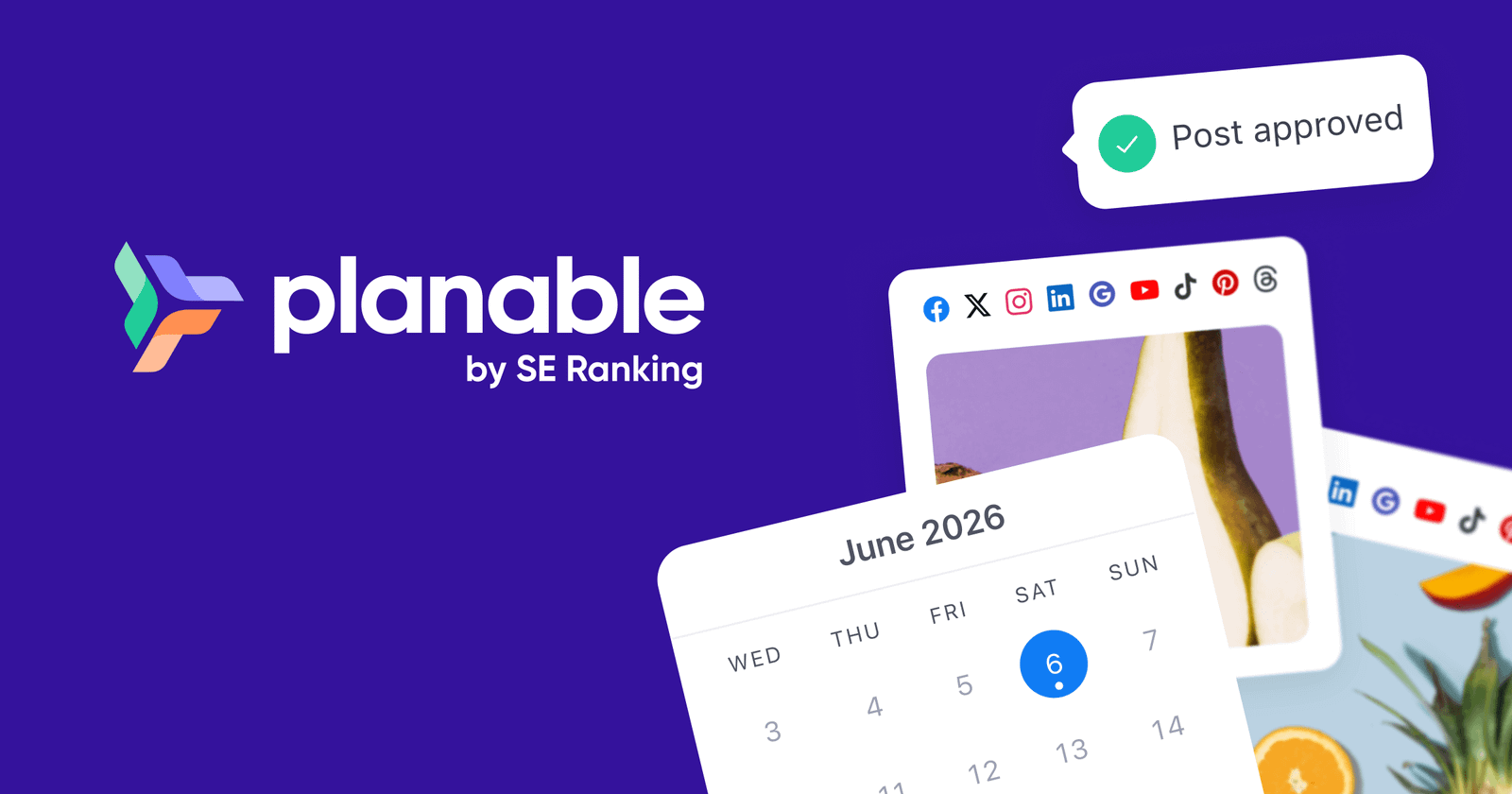
Planable is an approval-first scheduler, and its MCP server keeps that focus. It’s an official app in ChatGPT’s Apps directory, so you search for it, click Connect and sign in. No URL, no API key. In Claude it’s in the connector directory. Other MCP clients use the server URL directly.
Best for: agencies where the client signs off on every post.
The agent works inside your existing Planable role. If you can’t approve or publish in Planable, neither can the agent. Drafts land in your workspace for review, which is exactly what you want when the agent is writing for someone else’s brand.
Downside: analytics read-back depends on the add-on, so the agent can’t learn from results unless you pay for it.
Verdict: a sensible pick if your workflow already runs on approvals. That’s also the answer to the “social media AI agent with ChatGPT and Planable” question I keep seeing: yes, it works, and it’s two clicks.
6. Buffer
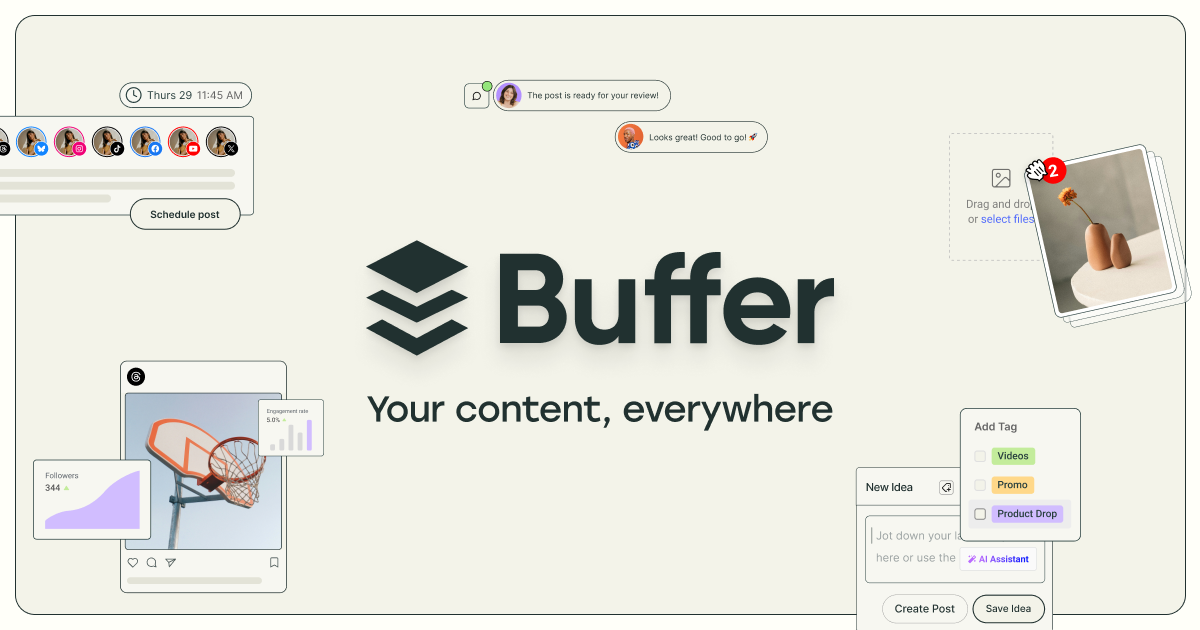
Buffer kept its API closed to new developers for years, and plenty of articles still say so. That’s out of date. Buffer now hands out API keys on every plan, Free included, and runs an MCP server that authenticates with one of those keys.
Best for: posting to your own accounts on a small budget.
So Claude can drive Buffer, as long as your AI client lets you add an MCP server with an authorization header. The built-in AI assistant is decent at rewriting too. The catch is the limits, which are built around one team’s own channels: 1 key and 1,000 requests per channel a month on Free. That’s fine for one founder’s accounts and tight for an agency with a dozen clients.
Verdict: the cheapest way to try agent posting this afternoon. If you outgrow it, here are Buffer alternatives with more room.
7. Zapier Agents with any scheduler
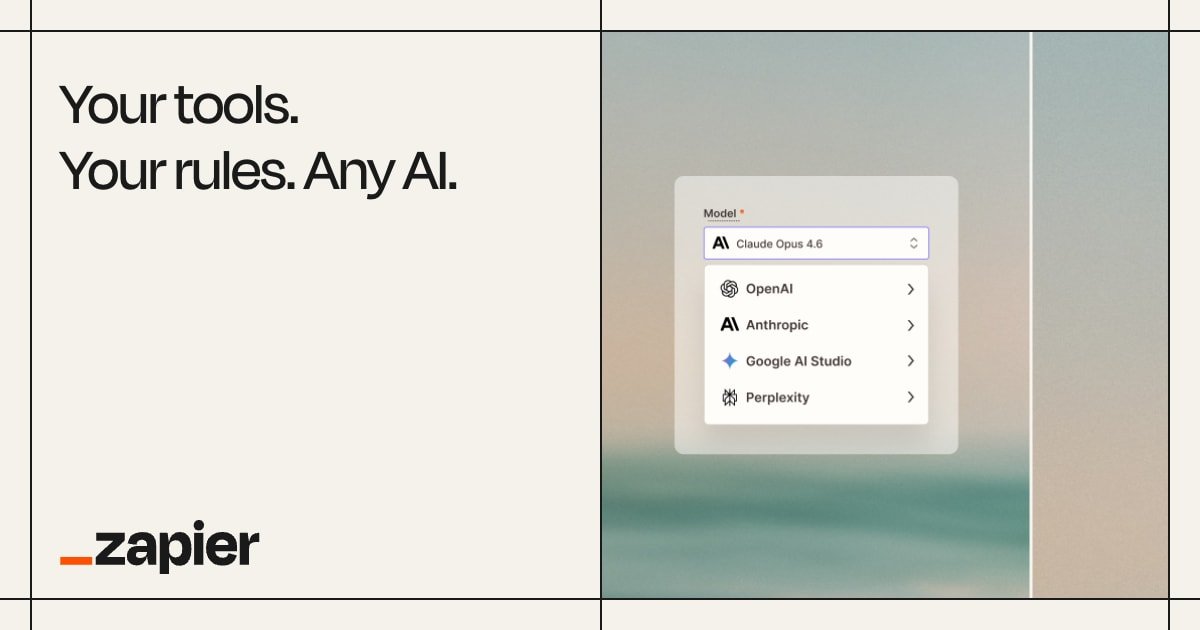
Zapier’s agent product can call Buffer, Publer, SocialBee or Metricool through their Zapier actions. No MCP config, no code.
Best for: teams stuck on a scheduler with no MCP server who need something working this week.
It’s fine for text posts. It gets clumsy with video and first comments, and reading analytics back is mostly off the table. You also pay Zapier task fees on top of the scheduler. An agent posting daily across five accounts burns through the task allowance fast. I covered the task math in my post on social media automation tools for n8n, Make and Zapier.
Verdict: a bridge, not a destination.
8. Typefully
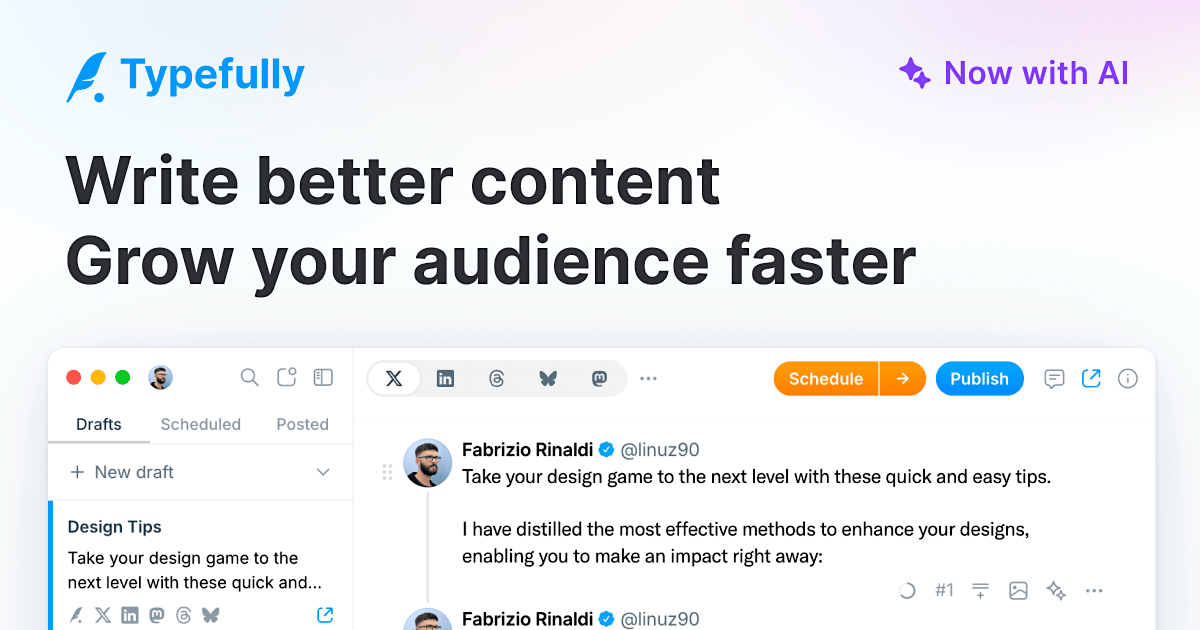
Typefully is a writing-first scheduler for X and LinkedIn, with AI writing tools built in and an API on higher plans.
Best for: people who mostly post X threads.
The thread editor is better than anything the multi-network tools offer. But the network list is narrow and there’s no MCP server as of this writing, so Claude can’t drive it directly. You’d script it through the API.
Verdict: if 90% of your posting is threads, worth a look. Otherwise it’s the wrong shape for agents.
How to schedule social media posts with MCP in Claude or ChatGPT
The setup is nearly the same whichever scheduler you pick. It takes about ten minutes the first time.
- Pick a scheduler with an MCP server and connect your social accounts inside it first. The agent can only post to accounts the scheduler already holds.
- Add the server to your AI tool. In Claude, open Settings, then Connectors, and either pick the scheduler from the directory or add a custom connector with its MCP URL. In ChatGPT, check the Apps directory first, since Planable and Hootsuite have ready-made apps. Adding any other MCP server in ChatGPT means turning on Developer mode, which needs a paid plan. Claude Code and Cursor take a short config instead.
- Sign in. Most servers use OAuth, so you log in to the scheduler once and the AI never sees your social passwords. Buffer is the exception and wants an API key.
- Ask in plain language. “Draft three LinkedIn posts from this changelog and schedule them Tuesday to Thursday at 9 am Berlin time.” Name the accounts and the time zone every time. Agents guess both badly.
- Approve before it goes out. Open the scheduler’s calendar, read what the agent queued and approve it. If your tool has no approval step, ask the agent to save drafts instead.
Scheduling posts with Claude specifically works exactly like this. Only step two differs between Claude and ChatGPT. Once the connector is in, ask it to pull last week’s analytics and plan the next batch around what did well. That only works with tools that read numbers back.

How to decide
Ask one question: do I want AI inside my scheduler, or do I want my AI to use my scheduler? If it’s the first, Buffer, Hootsuite or Typefully are fine and you probably already have one.
If it’s the second, you need an MCP server. A year ago that meant SchedPilot, Postiz or Ayrshare. Now Hootsuite, Planable and Buffer have one too, so if you already pay for one of those, connect it before you switch anything.
If you’re picking fresh, the approval step decides it. SchedPilot holds every agent post until a person approves it. Hootsuite and Planable apply the approval rules you already have. Postiz and Ayrshare publish whatever the agent sends. I wouldn’t run an autonomous agent on a client account without one. My full list of social media tools with MCP servers covers the rest, and if agents aren’t on your roadmap yet, start with the best social media scheduling tools instead.
Disclosure: I build SchedPilot. Its weak spots are listed next to its strengths, and prices change often, so check them before you buy.
Frequently asked questions
Can I draft and schedule social posts from within ChatGPT or Claude using Hootsuite?
Yes, through Hootsuite’s Perch server. In Claude, open Settings, then Connectors, add the Hootsuite connector and sign in. In ChatGPT it’s under Settings, Apps, Connectors. After that you can ask for a draft, check the calendar for gaps, schedule the post and pull performance back into the chat. The assistant only acts when you ask, and it follows your workspace’s approval rules. You need an active Hootsuite account with access to Perch.
Which external AI tools can connect to Hootsuite via MCP?
ChatGPT, Claude, Gemini and Microsoft Copilot. ChatGPT and Claude use pre-built connectors with no technical setup. Gemini and Copilot work too, but Hootsuite says setup there needs an IT administrator.
Can Claude or ChatGPT post to social media on their own?
No. Neither has a direct line to Instagram or LinkedIn. They post through a scheduler that holds your account connections, and the scheduler does the publishing. Without that link, the assistant writes the caption and you paste it yourself.
Is it safe to let an AI agent post to client accounts?
Only with an approval step in the middle. SchedPilot holds every agent-created post until a person approves it, and Hootsuite and Planable apply your team’s existing approval workflow. Postiz has no gate by default and Ayrshare has none, so a bad draft goes straight out unless you build a review step.
Do I need to write code to connect a scheduler to an AI agent?
Mostly no. Hootsuite and Planable are a connector and a login. SchedPilot is one npx command for local clients. Buffer needs an API key pasted into the server settings. Postiz is the exception if you self-host, because you need a running instance before the MCP endpoint exists.
Which scheduler works with Manus or Claude Cowork?
Cowork’s features are part of Claude now, so anything that connects to Claude works there, including SchedPilot, Hootsuite and Planable. For Manus, SchedPilot lists it as a supported agent through its REST API, so Manus can create and schedule posts with an API key.
Is there a free way to try this?
Postiz is open source, so self-hosting costs you a server and an afternoon. Buffer’s free plan includes an API key that works with its MCP server. SchedPilot has a 7-day trial.

Written by Andrei Saioc
Andrei Saioc is a software founder who builds SchedPilot, a social media scheduler with an MCP server and API. He tests scheduling tools, AI agents and posting times for a living and writes about what actually works.
More about me →
