12 Best Content Calendar Software and Planning Tools (2026)

Updated · 13 min read

On this page
- Content planning tools vs content calendar software
- Content calendar software comparison
- 1. SchedPilot
- 2. Planable
- 3. Buffer
- 4. Later
- 5. Loomly
- 6. SocialPilot
- 7. Hootsuite
- 8. Sprout Social
- 9. CoSchedule
- 10. Notion
- 11. ClickUp
- 12. Airtable
- Best social media calendar tools with a visual content calendar
- Content calendar tools that integrate with TikTok, YouTube and LinkedIn
- Content calendars for agencies, approvals and revision history
- AI content calendar tools
- Free and cheaper content calendar software
- How I would choose
- Frequently asked questions
TL;DR
- SchedPilot: best overall. The calendar is the publishing queue, and AI assistants can fill it.
- Planable: best for client approvals and review.
- Buffer: best simple calendar for one person, free for three channels.
- Later: best visual planner for Instagram-first brands.
- Loomly: best for brand teams that like clear approval states.
- SocialPilot: best budget calendar for agencies, with bulk CSV upload.
- Hootsuite: calendar, inbox and listening for large teams.
- Sprout Social: best reporting tied to the calendar.
- CoSchedule: best for blog, email and social on one marketing calendar.
- Notion: best free-form editorial calendar (does not publish).
- ClickUp: best for content as project tasks (does not publish).
- Airtable: best for building your own content calendar app.
The best content calendar software for most small teams, agencies and solo creators is SchedPilot, because planning and publishing happen in the same calendar and an AI assistant can fill it with drafts. Planable is the better pick if client sign-off is your daily problem, and Buffer is enough for one person on two or three channels. Notion, ClickUp and Airtable are content planning tools: good for briefs, but none of them will post anything on its own.
I ran the same two-week plan (34 posts across Instagram, LinkedIn, TikTok and a blog) through every tool on this list. A spreadsheet works as a content calendar until roughly week three. Then somebody moves a row, the Thursday Reel goes out with Tuesday’s caption, and you hear about it from a client.
That is usually the day people start searching for a content calendar app or content planning tools. Vendors use those names for the same products, so I treat them as one category.
Content planning tools vs content calendar software
There is only one split that matters. Content planning tools help you decide what to make: pillars, briefs, who writes what, when the draft is due. Notion, ClickUp and Airtable live here. Content calendar software takes the finished post, puts it on a date and, in the good ones, publishes it. SchedPilot, Planable, Buffer, Later, Loomly, SocialPilot, Hootsuite and Sprout Social live there. CoSchedule sits on both sides.
For a team under ten people, buy one tool that does both. A plan in Notion and a schedule in Buffer will disagree within a month. Content teams with writers, designers and an editor are the exception: they need a production tool and a publishing calendar.
What separates a good content calendar from a pretty one
Four things mattered in my testing: does it publish, can you drag a post to another day without breaking it, can a client approve without an onboarding call, and can you label posts by category and format? That last one turns a list of dates into a plan, because you see that next week has five promos and zero educational posts.
Content calendar software comparison
Prices are entry prices on monthly billing, with the yearly rate in brackets where the vendor shows one, rechecked in late October 2026. Ratings are Capterra stars with review counts.
| Tool | Publishes posts | Approvals | Starting price | Capterra | Best for |
|---|---|---|---|---|---|
| SchedPilot | Yes | Enterprise plan | $29/mo ($21 yearly) | Too new to be listed | Small teams, agencies, AI workflows |
| Planable | Yes | Yes, multi-level on Enterprise | Free for 50 posts, then $33 per workspace | 4.5 (326) | Client review |
| Buffer | Yes | Team plan | Free for 3 channels, then $5 per channel | 4.5 (1,492) | Solo creators |
| Later | Yes | Growth plan and up | $18.75/mo, billed yearly | 4.4 (399) | Instagram-first brands |
| Loomly | Yes | Yes | $65/mo ($49 yearly) | 4.7 (509) | Brand teams |
| SocialPilot | Yes | Yes | $30/mo ($25 yearly) | 4.4 (376) | Agencies on a budget |
| Hootsuite | Yes | Advanced plan | $99 per user/mo, billed yearly | 4.4 (3,804) | Large teams |
| Sprout Social | Yes | Professional plan | $99 per seat/mo ($79 yearly) | 4.4 (609) | Reporting |
| CoSchedule | Yes | Professional plan | Free for 1 profile, then $39/mo ($29 yearly) | 4.4 (106) | Blog plus social |
| Notion | No | Manual | Free, then about $10 per user | 4.7 (2,840) | Editorial planning |
| ClickUp | No | Manual | Free, then $7 per user | 4.6 (4,640) | Content as tasks |
| Airtable | Only via Zapier or Make | Custom | Free, then about $20 to $24 per seat | 4.6 (2,248) | Custom workflows |
1. SchedPilot

Best for: small teams, agencies and solo creators who want the plan and the publishing to be the same thing.
SchedPilot is the content calendar I use myself, and I build it. It sits first for a practical reason: the calendar is the publishing queue. Drag a post onto Thursday at 9:00, and on Thursday at 9:00 it goes live on Instagram, TikTok, LinkedIn, Facebook, X or wherever you pointed it. There is no second step of copying captions from a planning doc into a scheduler. Posts live in a shared content library, drafts sit on the post itself, and you can filter the month by channel or campaign.
What the older tools here do not do well is work with AI assistants. SchedPilot ships an MCP server and a public API, so you can ask Claude or ChatGPT to “plan next week: three tips, one promo, one behind-the-scenes, carousels on Monday and Wednesday,” and the posts appear in your calendar as drafts tagged by category and format. I filled my 34-post test plan this way in about 25 minutes, most of it spent rewriting hooks. It also plugs into n8n, which I cover in social media automation tools for n8n, Make and Zapier.
Pricing starts at $29 a month, or $21 billed yearly, with the MCP server and API included.
Biggest downside: it is a younger product, the analytics are lighter than Sprout Social’s, and the formal approval workflow sits on the Enterprise plan.
Verdict: the best content calendar app for teams under ten people who want one tool that plans and publishes.
2. Planable
Best for: freelancers and agencies whose clients want to comment on every post.
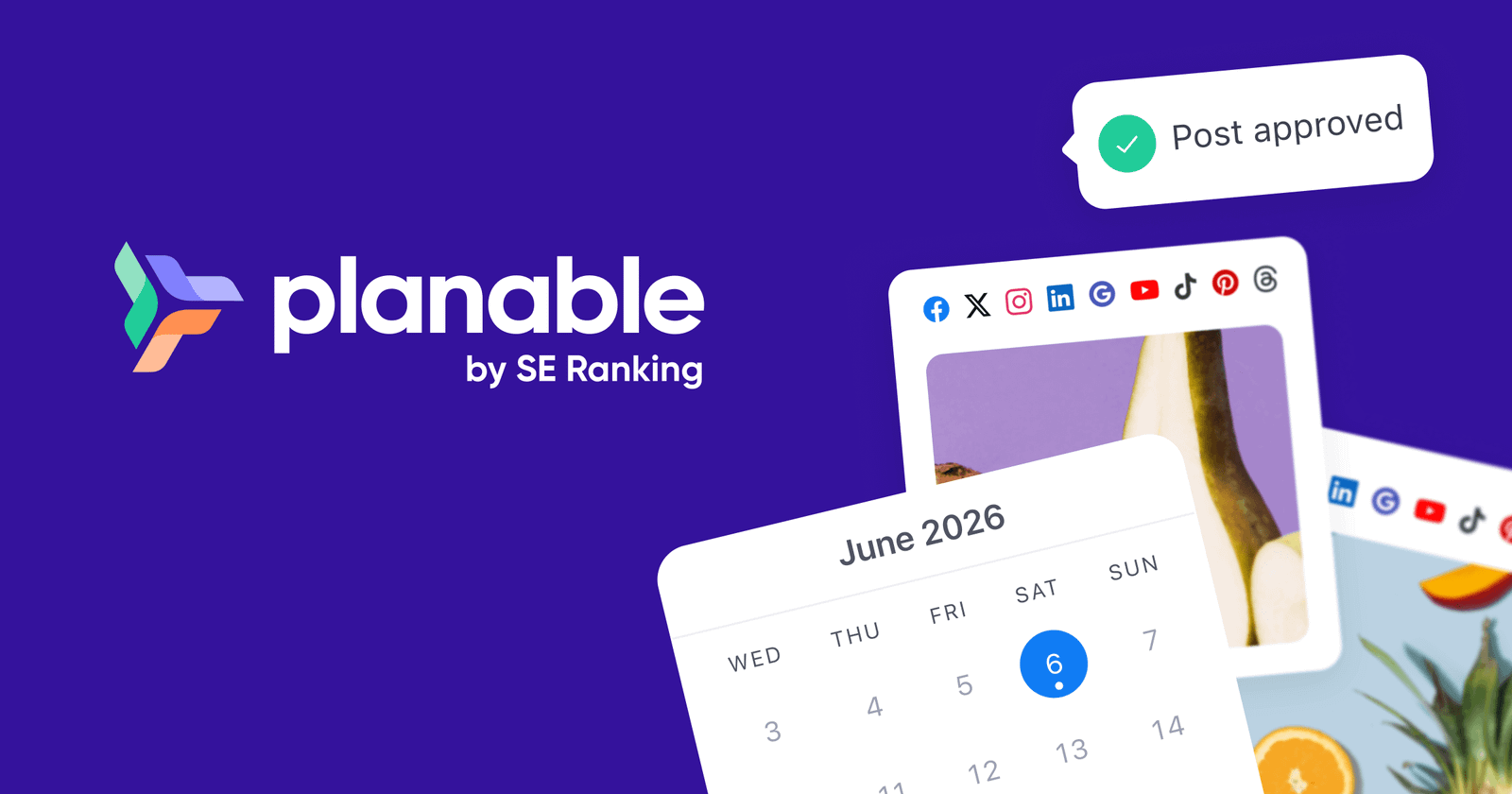
Planable has the best approval experience on this list, and it is not close. Comments sit on each post, clients approve from the calendar, and clients who refuse to create an account get a guest link. Feed, calendar, grid and list views show the same plan four ways, and it publishes to nine channels including Threads and Google Business Profile. The free trial has no time limit and covers 50 posts.
Biggest downside: it charges per workspace (Basic was $33 a month with a 60-post cap), and the multi-level approvals agencies want are on Enterprise. Six clients on Basic is $198 a month.
Verdict: buy it when client sign-off is the hard part of your week.
3. Buffer
Best for: one person who wants to see the week and have it post.
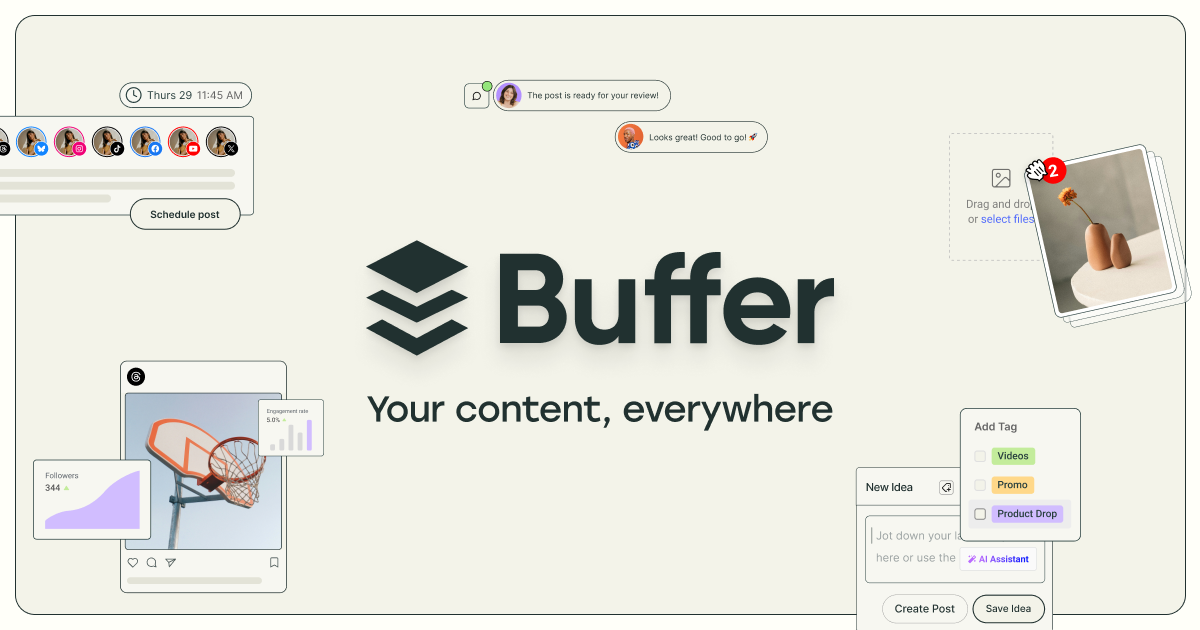
You set time slots per channel, drop posts in, and the calendar fills itself. The interface takes ten minutes to learn, the free plan covers three channels with auto-publishing, and the built-in analytics and automated reports are decent.
Biggest downside: collaboration is thin, and per-channel pricing gets expensive around the tenth account.
Verdict: the best free content calendar app that actually publishes. When you outgrow it, see my Buffer alternatives.
4. Later

Best for: brands whose Instagram feed is their storefront.
Later is the most visual planner here. You drag photos from a labeled media library onto the calendar and preview the grid before anything goes out. A link-in-bio page is included, and it publishes Instagram Stories directly. It starts at $18.75 a month billed yearly. I compare it with other Instagram tools in my Instagram schedulers guide.
Biggest downside: TikTok, Pinterest, Facebook and LinkedIn feel like guests in an Instagram house. Billing is per social set, so two Instagram-only clients already need two sets.
Verdict: the pick for visual, Instagram-heavy planning.
5. Loomly

Best for: brand teams that like process.
Each post moves through clear states (draft, pending approval, approved, scheduled), and you see a mockup of how it renders on each network. Loomly also suggests post ideas from trending topics, dates and RSS feeds, which helps on the weeks the calendar looks empty, and it handles ad drafts alongside organic posts.
Biggest downside: Starter is now $65 a month, or $49 yearly. It used to be the obvious budget pick and no longer is.
Verdict: the closest feel to the old ContentCal workflow, at a higher price than before.
6. SocialPilot

Best for: agencies where volume is the problem.
SocialPilot is what agencies buy when Hootsuite’s quote arrives. Bulk upload takes a CSV of up to 500 posts, clients can approve without your login, and white-label reports are included on plans from $30 a month ($25 yearly).
Biggest downside: the interface looks a few years behind. I stopped caring after a day, because everything is where you expect it.
Verdict: one of the two tools I would price first for a dozen clients. My SocialPilot alternatives list covers the rest.
7. Hootsuite

Best for: teams managing 30 profiles who answer DMs from the same screen they plan in.
Hootsuite bundles a visual content calendar, a unified inbox, listening streams and a bulk composer, and it supports more networks than most. With Sprout Social, it is one of two tools here that combine calendar, approvals, inbox and listening.
Biggest downside: $99 per user a month billed yearly, with approval workflows held back for the Advanced plan, a strange choice for a tool sold to teams.
Verdict: most people under ten accounts who buy Hootsuite are paying for a dashboard they use 20% of.
8. Sprout Social

Best for: teams that report to a CMO.
The shared calendar is good, with campaign tags, notes and per-network timing based on your own audience data. Nobody buys Sprout for the calendar, though. They buy it for competitor benchmarks, audience analysis and exports an executive will read. There is a 30-day free trial.
Biggest downside: $99 per seat a month ($79 yearly), and every extra user is another full seat.
Verdict: the deepest reporting here. Overkill if you only need a calendar.
9. CoSchedule
Best for: marketing teams that run blog, email and social from one plan.
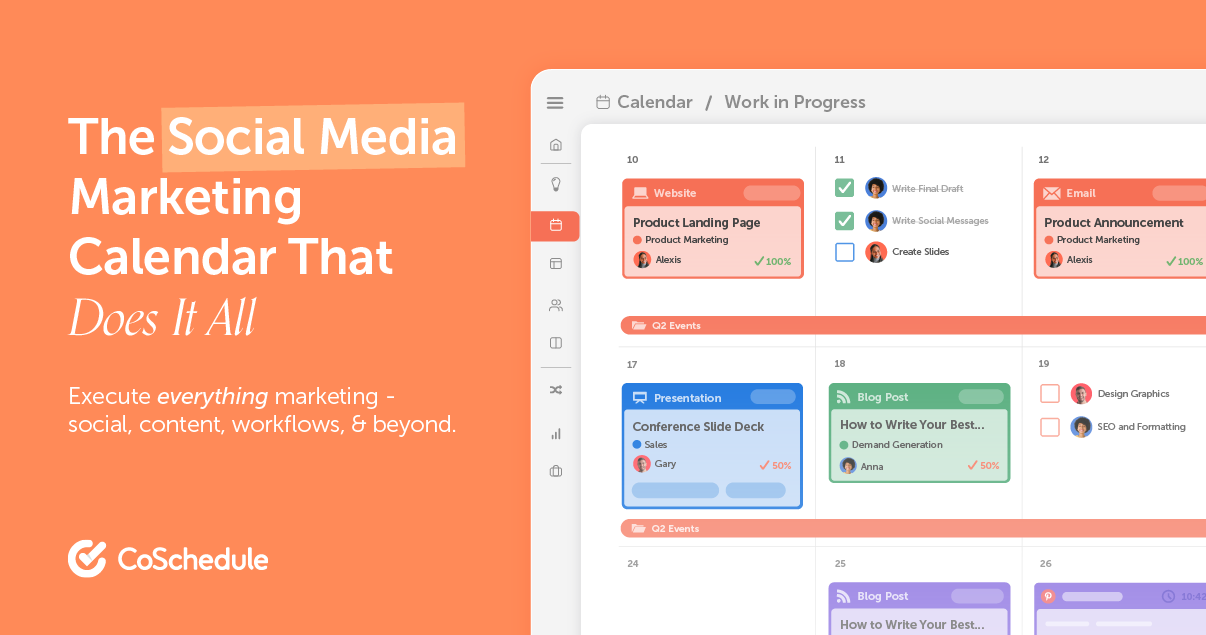
CoSchedule treats blog posts, emails, podcasts and social posts as equals on one marketing calendar. It hooks into WordPress, so an article and its eight promo posts move together when you drag the publish date. ReQueue refills empty slots with your best evergreen posts. There is a free plan for one profile, and Starter is $39 a month ($29 yearly).
Biggest downside: social approvals start on the Professional plan.
Verdict: the closest thing here to true editorial calendar software.
10. Notion
Best for: editorial planning where writing is the main job.
Create a database with properties for status, channel, category, format and owner, then flip between calendar, board and table views. Briefs and drafts live next to the calendar, there are hundreds of free templates, and the free plan is fine for one person. Paid plans start around $10 per user.
Biggest downside: it will never publish a post. Someone has to copy the caption into Instagram on the day, and that someone will eventually forget.
Verdict: I use it for articles and video scripts, and keep social in a tool that posts.
11. ClickUp

Best for: content that passes through a writer, a designer and an editor.
Each piece of content is a task with subtasks, assignees, due dates and dependencies. The timeline view shows where two launches collide, and proofing lets reviewers comment on images, PDFs and video. Free forever, then $7 per user.
Biggest downside: no publishing, and settings menus deep enough to lose an afternoon in.
Verdict: a production tool. Pair it with a calendar that posts.
12. Airtable

Best for: people who want to design the workflow themselves.
Calendar, kanban and gallery views sit on the same records, and automations ping Slack or request approval when a status changes. With Zapier or Make in the middle, approved records can go out to social networks. Free plan, then about $20 to $24 per seat.
Biggest downside: it took me most of a weekend to build something I liked.
Verdict: exactly the workflow you want, paid for with your own setup time.
Best social media calendar tools with a visual content calendar
If you need to see the month laid out with thumbnails, the choice narrows fast. Later is the most visual for Instagram. Planable’s feed view shows each post the way it renders on the network, which is what clients want to look at. Loomly does per-network mockups. SchedPilot keeps it simpler: a drag-and-drop calendar filtered by channel or campaign, where the visual plan and the schedule are the same thing.
Content calendar tools that integrate with TikTok, YouTube and LinkedIn
With TikTok, ask whether the tool publishes the video or just sends a reminder to your phone. A reminder is a calendar entry with extra steps. SchedPilot, Buffer, Later, Planable and Hootsuite all connect to TikTok, and I compare how each handles it in my list of the best TikTok schedulers. SchedPilot, Buffer, Planable and Hootsuite also put YouTube on the same calendar, so one short video can be planned once for TikTok and Shorts.
Every publishing tool here covers LinkedIn. Check whether it posts to personal profiles as well as company pages, since founders usually get more reach from their own profile. For Instagram Stories, Later and SchedPilot publish directly. With anything else, schedule one real Story during the trial before you plan a month of them.
Content calendars for agencies, approvals and revision history
Agencies should ask what happens to the bill when they add a client. Planable charges per workspace, Later per social set, Sprout Social per seat. SocialPilot and SchedPilot are the two I would price first for a dozen clients. Whatever you choose, each client should only ever see their own calendar.
For approvals, Planable is best, with comments next to the post and approval required before scheduling. Loomly and SocialPilot include approvals on regular plans. Hootsuite, Sprout Social and Planable keep multi-step chains on higher tiers, and SchedPilot puts its formal approval workflow on Enterprise. One approver is enough for most teams.
Revision history is weak across the board. Edit an approved post during the trial and see whether the approval resets. If it does not, your approval step is decorative.
AI content calendar tools
Nearly every tool here has an AI button that rewrites a caption. That does not plan anything. Real AI content planning means the assistant decides what goes on which day, the mix of categories, formats and channels, and puts drafts in the slots. That needs a calendar an assistant can write to through an MCP server or API. SchedPilot is the one I use for this. I compared the others in social media tools with MCP servers.
Free and cheaper content calendar software
Most of what you pay Hootsuite and Sprout Social buys the inbox, listening and reporting. If you need a calendar that publishes plus an approval step, you can spend far less. Under $50 a month with a drag-and-drop calendar that publishes: SchedPilot from $29 ($21 yearly), Later from $18.75 yearly, SocialPilot at $30, Planable Basic at $33 per workspace, and CoSchedule Starter at $39.
How I would choose
Start with one question: should the calendar publish for you? If yes, cross off Notion, ClickUp and Airtable. Then ask who else touches it. Only you: Buffer or SchedPilot. You plus clients who approve: Planable, SchedPilot or SocialPilot. You plus an AI assistant drafting: SchedPilot. Executives who want charts: Sprout Social. A team running blog, email and social from one launch date: CoSchedule.
Fill the first month with real posting times, not round numbers. My data on the best time to post on Instagram in Europe is one place to start, and my ranking of the best social media scheduling tools covers the publishing side in more depth.
Disclosure: I build SchedPilot, so weigh the top pick accordingly. Its downsides are listed above.
Frequently asked questions
What is the best content calendar software in 2026?
For most small teams, agencies and solo creators, SchedPilot, because planning and publishing happen in the same calendar and AI assistants can fill it through MCP. Planable is better if multi-step client approvals are your main problem, and Buffer is enough if you work alone on two or three channels.
What is the difference between a content calendar and a social media scheduler?
A content calendar shows what is planned and when. A scheduler publishes it. Notion, ClickUp and Airtable are calendars only. SchedPilot, Planable, Buffer, Later, Loomly, SocialPilot, Hootsuite, Sprout Social and CoSchedule do both.
Is there a free content calendar app?
Yes. Buffer’s free plan publishes to three channels. Notion, ClickUp and Airtable have free plans for planning, CoSchedule has a free calendar for one profile, and Planable’s free trial covers 50 posts with no time limit.
What tools offer shared content calendars with revision history tracking?
Notion keeps page history and Airtable keeps a revision log on every record, so you can see who changed a caption and when. Most publishing tools are weaker here, so test it during the trial by editing an approved post and checking whether the approval resets.
Can AI build my content calendar for me?
It can do the first draft. With a tool that exposes an MCP server or API, an assistant like Claude can propose a month of posts, assign formats and categories, and place them in the calendar as drafts. You still edit the hooks and check facts.

Written by Andrei Saioc
Andrei Saioc is a software founder who builds SchedPilot, a social media scheduler with an MCP server and API. He tests scheduling tools, AI agents and posting times for a living and writes about what actually works.
More about me →