10 Best Cross-Posting Tools in 2026 (Free and Paid)

Updated · 10 min read

On this page
TL;DR
- SchedPilot: mixed content to 9 networks from one editor at a flat price.
- Buffer: easy per-network edits and a free plan for 3 channels.
- Publer: bulk cross-posting from a CSV.
- Repurpose.io: auto-republishes short videos, no scheduling needed.
- Typefully: threads and long text on X, LinkedIn, Threads, Bluesky and Mastodon.
- SocialBee: recycles evergreen posts by category.
- Metricool: compares one post’s results across networks.
- Zapier: blog-to-social and video-to-social automations.
- dlvr.it: RSS feed to social, hands-off.
- Hootsuite: cross-posting with approvals for large teams.
The best cross-posting tool for most people is SchedPilot, because it sends one post to Instagram, TikTok, LinkedIn, X, YouTube, Pinterest, Facebook, Threads and Bluesky from a single editor, lets you adjust each version, and doesn’t charge more per network. If you only post to two or three networks, Buffer’s free plan does the job. Video creators should look at Repurpose.io, and writers at Typefully.
Paste a LinkedIn post into X unchanged and it gets cut at 280 characters, the @mentions point at nobody, and the five hashtags that looked normal on Instagram look desperate. Sending one post to eight networks is easy. Sending it so each copy looks written for that network is where these tools differ.
So my test was simple: can I write once, then adjust each network’s version on the same screen before it goes out? Tools that only blast identical copies everywhere sit at the bottom or didn’t make the list.
Cross-posting tools compared
| Tool | Best for | Free option | Watch out for |
|---|---|---|---|
| 1. SchedPilot | Mixed content across 5+ networks at a flat price | 7-day free trial | Basic team permissions |
| 2. Buffer | Easy per-network edits | Free plan, 3 channels | Paid plans charged per channel |
| 3. Publer | Bulk cross-posting from a CSV | Free plan, 3 accounts (no X) | Crowded interface |
| 4. Repurpose.io | Auto-republishing short videos | 14-day free trial | Nothing for text posts |
| 5. Typefully | Threads and long text on X and LinkedIn | Free plan, 10 posts a month | No Instagram or TikTok |
| 6. SocialBee | Recycling evergreen posts by category | Free trial | An afternoon of setup |
| 7. Metricool | Comparing results across networks | Free plan, 1 brand (no LinkedIn or X) | Ordinary planner |
| 8. Zapier | Blog-to-social automations | Free tier for simple zaps | No calendar, paid per task |
| 9. dlvr.it | RSS feed to social | Free plan, 3 profiles | Little control per post |
| 10. Hootsuite | Large teams with approvals | Free trial | Expensive for cross-posting alone |
1. SchedPilot

SchedPilot is the scheduler I build, and it was designed around cross-posting from the start. You write a post, tick the accounts, and it goes to Instagram, TikTok, LinkedIn, X, YouTube, Pinterest, Facebook, Threads and Bluesky, carousels included, with room to edit each network’s version.
Best for: anyone posting a normal mix of images, text and short video to five or more networks.
The Silver plan is $21 a month billed yearly for five accounts, and the price doesn’t go up per channel. That matters more for cross-posting than for anything else, because having many channels is the whole point. It also has an API and an MCP server, so an AI assistant can write each network’s version and schedule them in one go. My post on schedulers that work with Claude and ChatGPT walks through that setup.
The weak spot is team permissions, which are basic. A brand where three people must sign off before anything goes out will want Hootsuite or Loomly instead. Verdict: the best value once you post to more than three places, with a 7-day free trial to test it.
2. Buffer
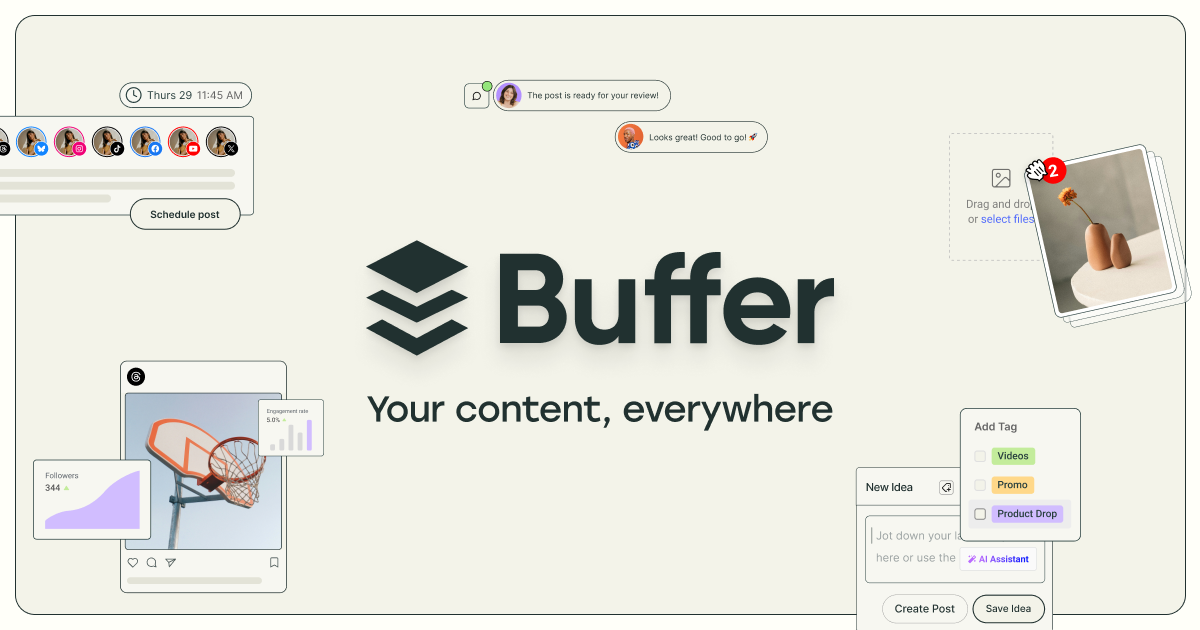
Buffer handles per-network editing well. Write once, click each channel’s tab, trim or rewrite that version, and the preview shows roughly what will appear. It covers the newer text networks too, including Bluesky, Threads and Mastodon.
Best for: two or three networks on a free plan.
My complaint is the same as everyone’s. Pricing is per channel, so the more places you cross-post to, the more you pay, which punishes exactly the behavior you came for. I listed cheaper options in my Buffer alternatives post. Verdict: the easiest start, the priciest way to grow.
3. Publer

Publer suits people cross-posting in volume. Upload a CSV with 200 posts, assign them to a set of accounts, and tweak each network’s text and media where needed. It can schedule a first comment, which is handy for moving links out of the caption on Instagram and LinkedIn.
Best for: bulk posters.
The screen is crowded, and I needed a couple of sessions before I stopped hunting for buttons. The free plan covers three accounts, but X stays locked until you pay. Verdict: strong for volume, tiring to learn.
4. Repurpose.io

Repurpose.io isn’t a scheduler. It watches a source account and republishes whatever appears there. Post a TikTok and the same video lands on Instagram Reels, YouTube Shorts and Facebook without you opening another app, and without the TikTok watermark. It works with podcasts and long video too.
Best for: video creators who film once a day.
For that person, it’s the least effort of anything here. It does nothing useful for text posts, and there’s only a 14-day trial. Verdict: the answer to “best scheduler for YouTube Shorts and Instagram Reels at once” if your videos start on TikTok. For scheduling TikTok itself, see my list of TikTok schedulers.
5. Typefully
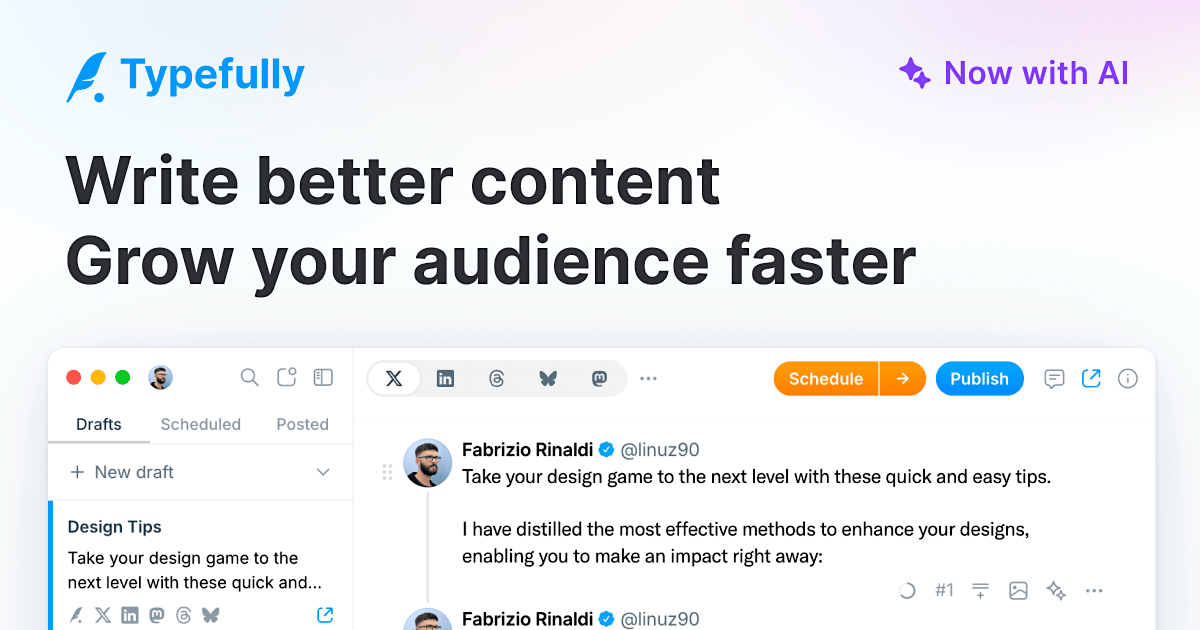
Typefully is a writing tool for text posts. It started with X threads and now cross-posts to LinkedIn, Threads, Bluesky and Mastodon. The editor is the nicest I’ve used for long threads, and it splits and reflows them sensibly when the target network has a different character limit.
Best for: people who write for a living.
No Instagram grid, no TikTok. If video isn’t your thing, that’s fine. The free plan gives you 10 posts a month. Verdict: the best pick for text-only cross-posting.
6. SocialBee

SocialBee organizes posts into categories (tips, promos, quotes) and cross-posts from each category on a schedule you set. Evergreen posts get recycled automatically, and you can store several variations of one post so repeats don’t look identical.
Best for: small businesses with a library of reusable posts.
It takes an afternoon to set up properly. After that, a business with 100 reusable posts can run for months with very little input. Verdict: set it up once, then mostly ignore it.
7. Metricool
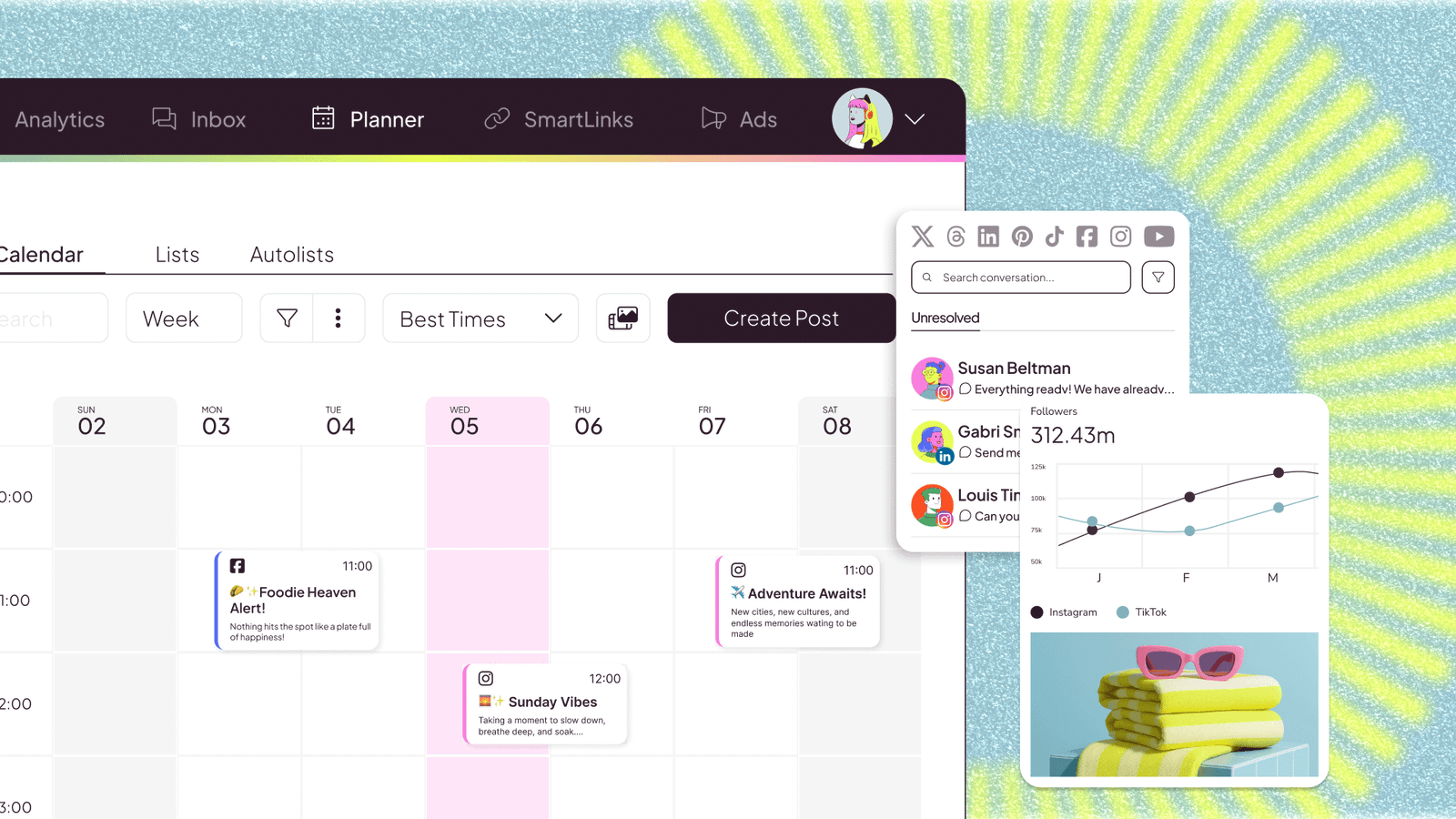
Metricool cross-posts well enough, then does what the others skip: it shows which copy of the post performed. Same post, six networks, one table of results. After a month you usually find two networks doing nothing for you, and you can stop posting there. It also suggests best times per network and produces client-ready reports.
Best for: people who want to prune their network list with data.
The planner itself is ordinary. The free plan covers one brand but leaves out LinkedIn and X, and X is a paid add-on on every plan. Verdict: worth it for the comparison table alone.
8. Zapier
Zapier is the build-it-yourself option. A new WordPress post triggers a LinkedIn update, a Facebook page post and a Bluesky post. A new YouTube video triggers an X post with the link. It connects to thousands of apps, and the free tier covers simple two-step zaps.
Best for: cross-posting that starts from something that isn’t a social post.
You get no calendar and no preview, and you pay per task, so a busy account gets expensive. I compare it with Make and n8n in my article on social media automation with n8n, Make and Zapier. Verdict: great glue, poor scheduler.
9. dlvr.it
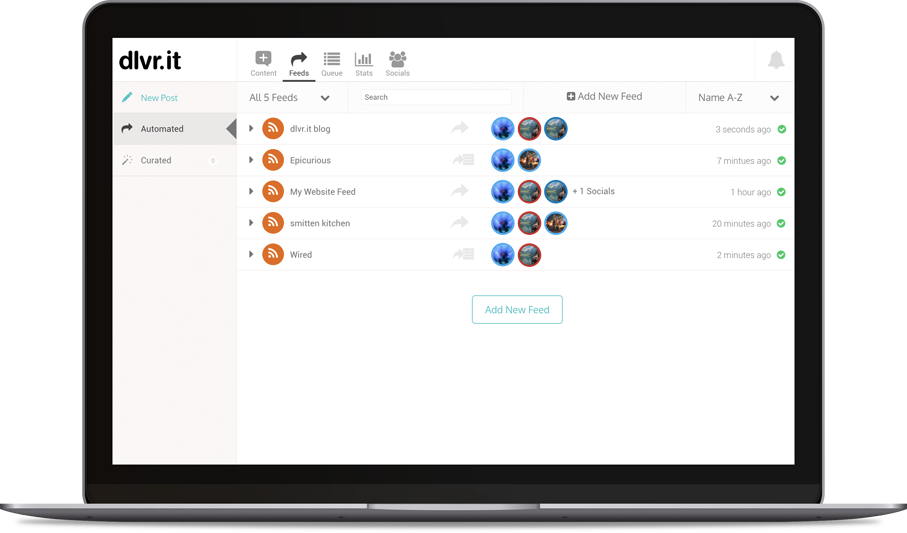
dlvr.it reads an RSS feed and posts every new item to your social accounts. News sites and high-volume blogs use it because nobody wants to hand-post 40 articles a day. Setup takes about ten minutes, and it’s cheap.
Best for: feed-driven accounts.
You get almost no control over how each post reads, which is why it sits this low. Verdict: an acceptable trade for a news feed, wrong for a brand voice.
10. Hootsuite

Hootsuite cross-posts to all the major networks with per-network edits, previews, approvals and an audit trail of who changed what.
Best for: a team where legal signs off before one announcement goes out on six channels.
For anyone else, the price is hard to justify when cross-posting is the main job. Verdict: buy it for the approvals, not the cross-posting.
How to post to all social media at once
Connect every account to one scheduler, write the post once, then open each network’s tab and fix three things: length, hashtags and mentions. That’s the whole method. In SchedPilot, Buffer or Publer you pick the accounts in the composer, adjust each version, and hit schedule or publish.
The two minutes of editing matter. A LinkedIn post can run to 3,000 characters and reads best with short lines and a hook up top. X gives a free account 280. Instagram wants the link out of the caption. And for video, strip the TikTok watermark before posting to Reels, because Instagram has said it shows Reels with another app’s watermark to fewer people. (If you worry that scheduling itself hurts reach, I answered that in do scheduled Reels get fewer views.)
And don’t cross-post everywhere just because the checkbox is there. My ranking of social platforms from worst to best is a decent way to choose the three or four worth your time.

Best cross-posting tools for LinkedIn and Twitter (X)
LinkedIn and X are the pair most people want to cross-post between, and the pair where copy-paste goes wrong fastest. One idea needs two versions: the full post on LinkedIn, and a sharp single line or short thread on X.
Typefully is the pick if you mostly write text; it turns a long LinkedIn post into an X thread without you counting characters. SchedPilot is better if LinkedIn and X are two of five or more networks, since both versions sit in one editor and adding networks doesn’t change the price. Buffer works if those two are all you need and you want to pay nothing, since they fit in the free plan’s three channels.
Skip two free plans for this pair. Publer’s free plan locks X until you upgrade, and Metricool’s leaves out both LinkedIn and X.
Free cross-posting tools
Most “free” plans here are trials with a different label. This is what $0 actually gets you, checked in November 2026:
- Buffer: 3 channels, up to 10 scheduled posts per channel at a time, no time limit. The most usable free plan.
- Publer: 3 accounts, no X, and published posts drop out of your history after 24 hours.
- Metricool: one brand and a monthly post cap, no LinkedIn or X.
- Typefully: 10 posts a month.
- dlvr.it: 3 profiles, 10 posts a month per profile, feed checked every 6 hours. Enough for a blog that publishes twice a week.
- Zapier: simple two-step zaps.
SchedPilot, Repurpose.io, SocialBee and Hootsuite have trials, not free plans. If you post to three networks or fewer, start on Buffer’s free plan. Past three, flat pricing starts to matter a lot more than a free tier. For the wider field beyond cross-posting, see my full list of the best social media scheduling tools.
Disclosure: I’m Andrei Saioc and I build SchedPilot, ranked first here. Weigh that however you want; its weak spot is listed above.
Frequently asked questions
What is cross-posting?
Cross-posting means publishing the same piece of content on more than one social network. Done properly, each network gets its own version: a different length, its own hashtags, and mentions that tag the right accounts there.
Is cross-posting bad for reach?
Cross-posting on its own isn’t penalized. Lazy cross-posting is, mostly by people: a LinkedIn post cut off on X, Instagram hashtags on LinkedIn. Video is the exception, since Instagram shows Reels with another app’s watermark to fewer people.
Can you cross-post for free?
Yes, within limits. Buffer’s free plan covers 3 channels with no time limit. Publer, Metricool, Typefully, dlvr.it and Zapier also have free options, each with a catch.
What is the best free tool to cross-post between LinkedIn and X?
Buffer’s free plan, because both networks fit in its three channels. Typefully’s free plan works if you post fewer than 10 times a month. Publer’s and Metricool’s free plans can’t post to X.
Which scheduler supports Threads, Bluesky and Mastodon posting?
Buffer and Typefully post to all three. SchedPilot covers Threads and Bluesky but not Mastodon.
What is the difference between cross-posting and repurposing?
Cross-posting sends one post to several networks at roughly the same time. Repurposing turns one piece into a different format, like a blog post into a LinkedIn carousel. Repurpose.io, despite the name, mostly does the first.
Can an AI assistant cross-post for me?
Yes, if the scheduler has an API or an MCP server. SchedPilot has both, so Claude or ChatGPT can write each network’s version and schedule it in one go, with you approving before anything publishes.

Written by Andrei Saioc
Andrei Saioc is a software founder who builds SchedPilot, a social media scheduler with an MCP server and API. He tests scheduling tools, AI agents and posting times for a living and writes about what actually works.
More about me →